I’m super excited to be joining AWS as a Senior Developer Advocate for the Serverless Product Group.
I’ve been busily working as an IT practitioner on the customer side my entire career. 20ish years (eek!) mixing up IT infrastructure with radio stations, journalism and finance. Now seems the perfect time to abstract that all away and transition to the vendor side starting in September.
I’ll be joining AWS to help drive the development and adoption of the AWS Serverless platform and serverless applications through community engagement. That’s the actual job spec…and its awesome! I’ll be working within the Serverless Product group who look after Lambda, API Gateway, Step Functions, SAM, and a whole surrounding serverless ecosystem. https://aws.amazon.com/serverless. The team has been ramping up this year so I’m joining some amazing colleagues under the watchful eye of the superb Chris Munns.
Here are some of my thoughts and questions before starting the role. I’m going to add a BIG caveat. This is all swirling through my head at the moment, I’m likely going to be very wrong on lots of things and I have a HUGE amount to learn so I’m really hoping my ideas will be bashed to pieced and reformed into something better. That’s the point, to learn and explore.
There’s always been a lot of talk about defining “Serverless”. That’s what you get for coming up with a term that describes what something isn’t rather than what something is.
There isn’t actually an authoritative definition of what “serverless” is, as it depends on what message your trying to convey, and that’s actually OK, we’ve somehow managed to eventually understand what “cloud” generally means.
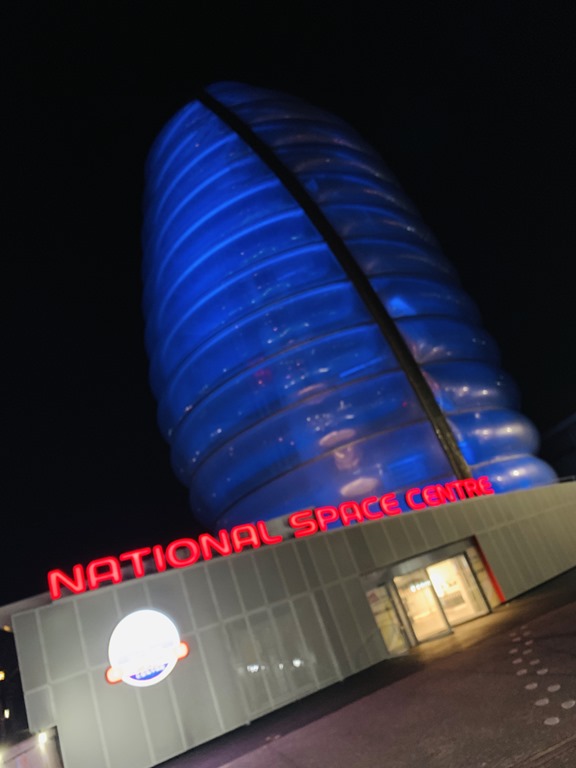
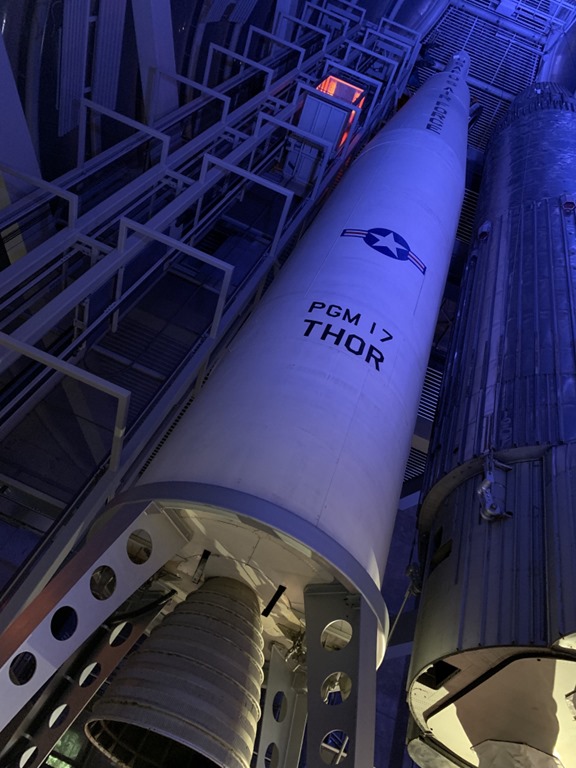
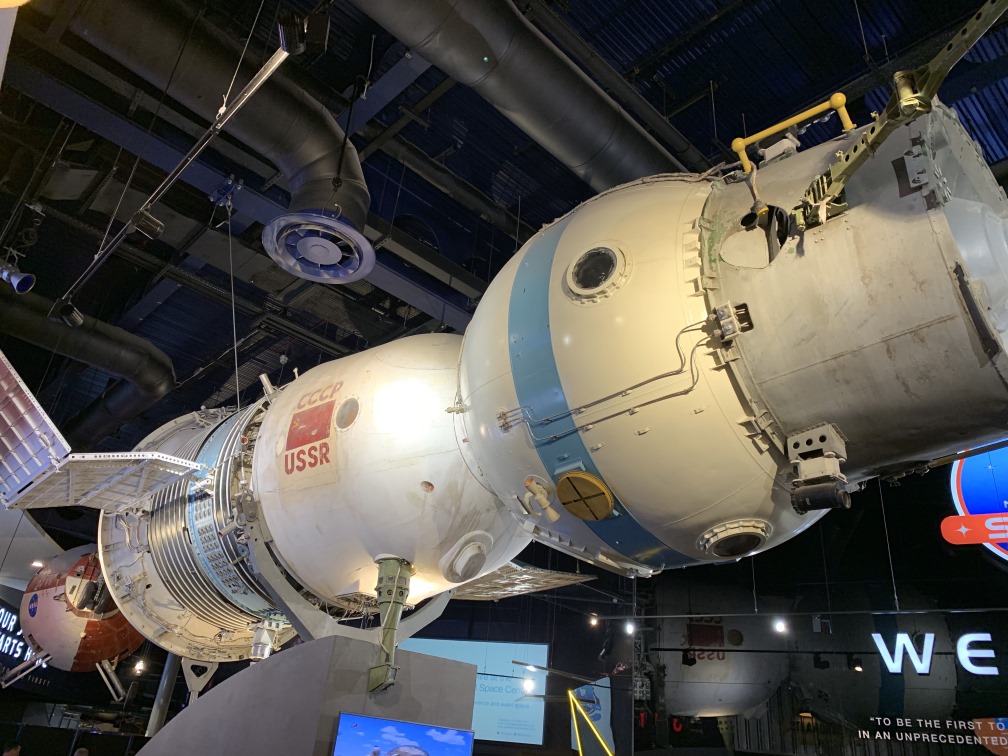
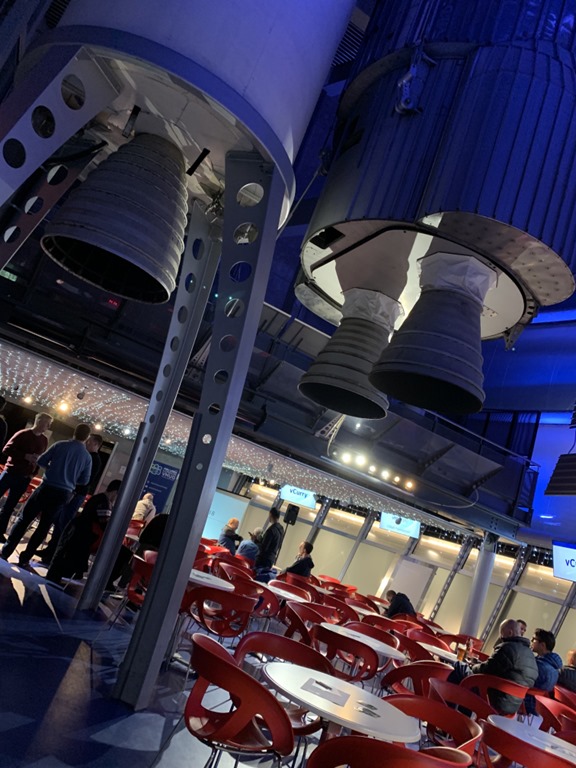
I had the huge pleasure today of presenting a community talk at the UK VMUG in the stellar location of the UK National Space Center in Leicester…there was an actual rocket!
I’ve been super interested in the recent love fest of VMware and AWS. The titans of private and public clouds have entered into a marriage of stratospheric nerdy potential. I recently attended AWS re:Invent with plenty of blogging! What interests me more than just running vSphere VMs on ESXi on Amazon hardware (which is a fancy colo if you ask me) is being able to take advantage of all the myrid AWS services from within those vSphere VMs. AWS has a vast array of service which can be consumed directly and can really help augment your tried and trusted vSphere VMs.
Presentation TL;DR
I went through a short overview of the VMware Cloud on AWS service and delved more deeply into the key networking component which is the Elastic Network Interface. This is an AWS virtual Nic which connects the two clouds together. Then onto some real use cases like connecting vSphere VMs to storage with S3/EFS, connecting an app running on a vSphere VMs to a RDS database running in AWS. Then turning the connectivity around and using an AWS load-balancer to front a connection to a pool of vSphere web servers.
I then spent some time going into the up and coming AWS-VMware options including RDS on vSphere which is running AWS RDS databases on vSphere in your datacenter. Then I also spoke about the very recently announced AWS Outposts which is AWSs surprising hybrid cloud announcement. Who would have thought but AWS hardware on-prem which has an option to run a vMware SDDC. There’s also CloudFoundation for EC2 which is using vSphere management and networking for EC2 instances wherever they may now be able to reside.
Thanks for attending for the people who were there and if you weren’t able the be here today, hopefully the slides are useful.
I particularly need to make special mention of the screen shots I borrowed from many other VMware and AWS presenters to make this presentation. I don’t actually have a VMware Cloud on AWS in my back pocket so needed to lean on the creation of others and curate their hard work for today’s presentation. See the slides for who helped.
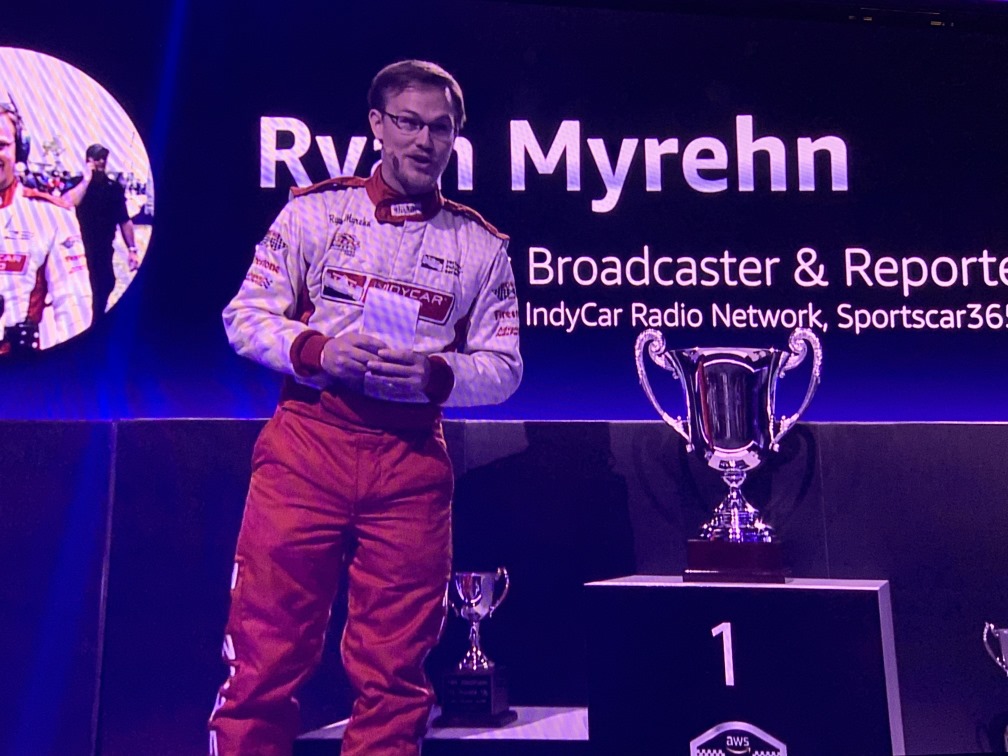
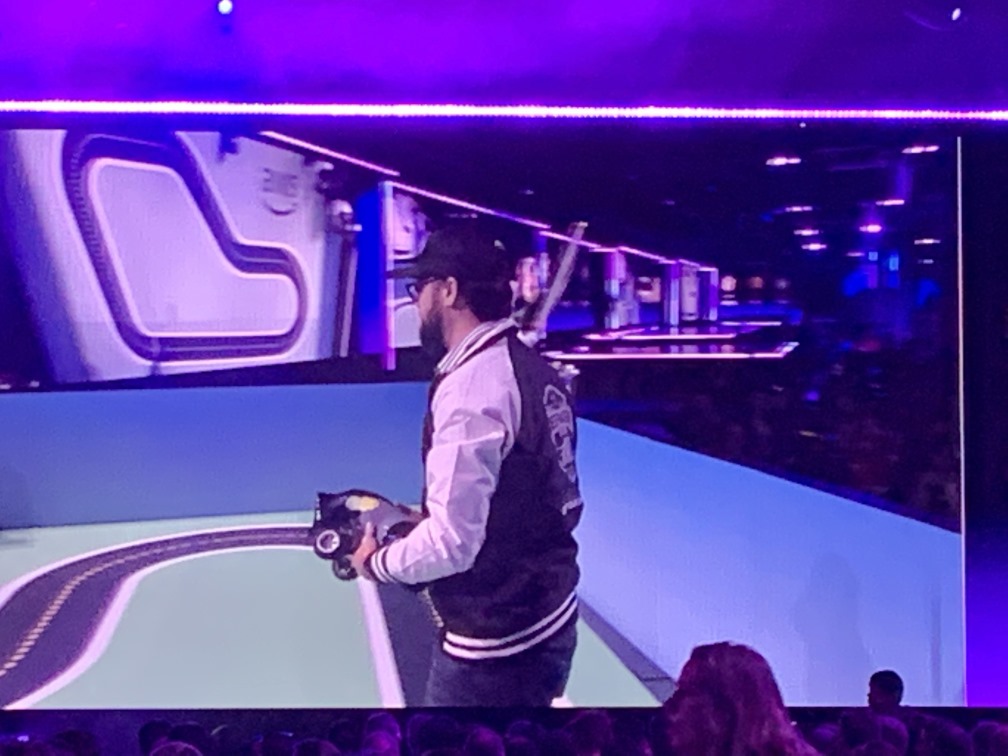
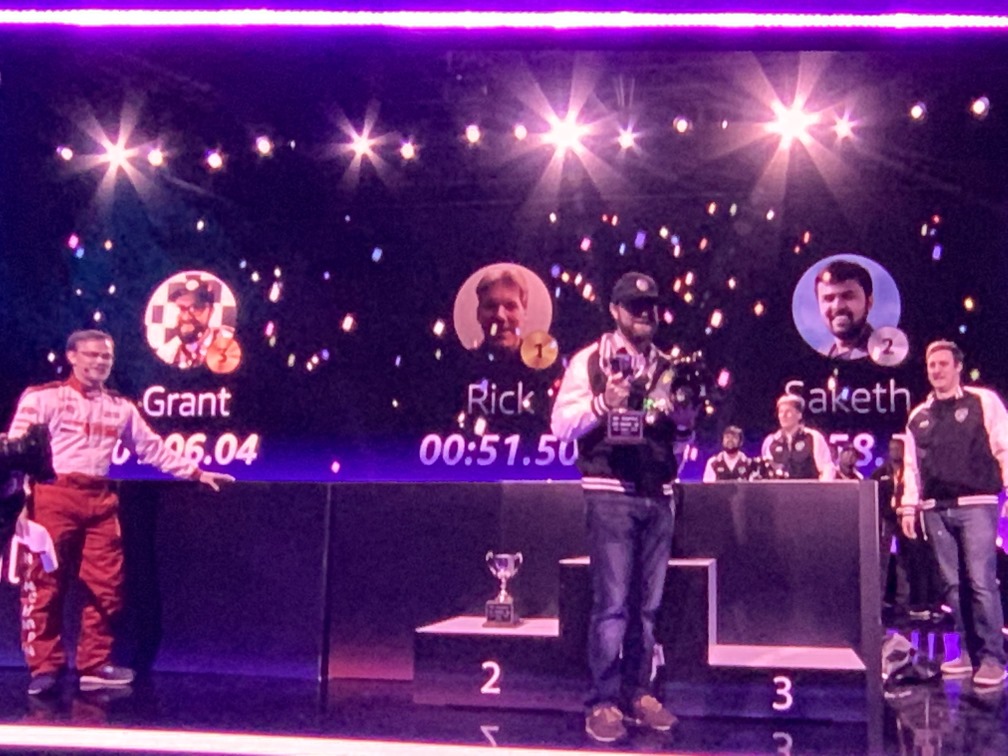
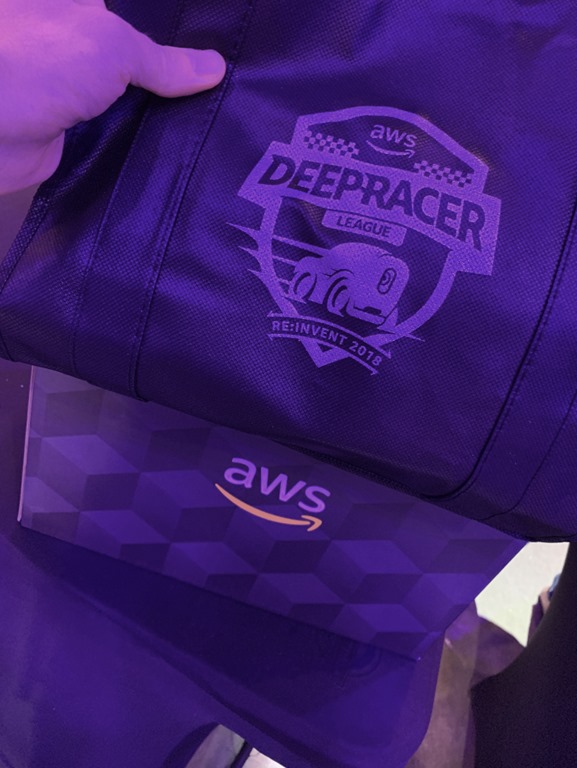
Before the keynote there was a DeepRacer final race from the people who were learning yesterday in the same workshop I attended: AWS re:Invent 2018: Robocar Rally 2018 – AIM206
It was a little disappointing, the cars didn’t seen to go as fast as the lap times yesterday.
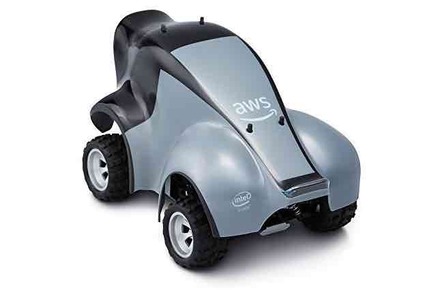
Later on in the day I actually picked up my very own DeepRacer, this is going to be fun to play with!
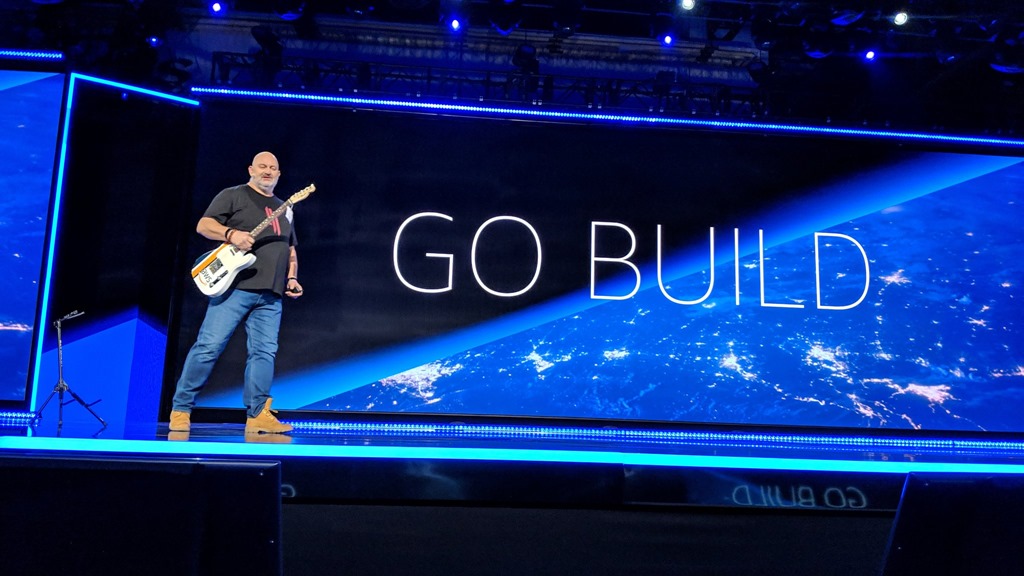
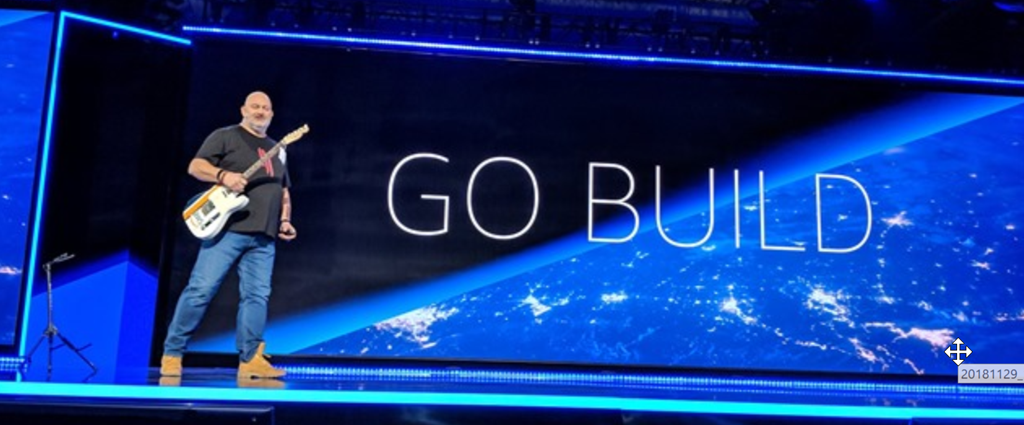
Werner Vogels Keynote
Some people say Werner is still delivering the long keynote from last year and we’re just coming in to see another instalment! Andy Jassy yesterday may be talking to the executives, today’s the turn of Werner to talk more technical and give us some of his considerable wisdom (you do know Werner isn’t just some “standard” tech CTO but one of the world’s recognised academic authorities on distributed systems now putting his brain into practical action at AWS). Read more…
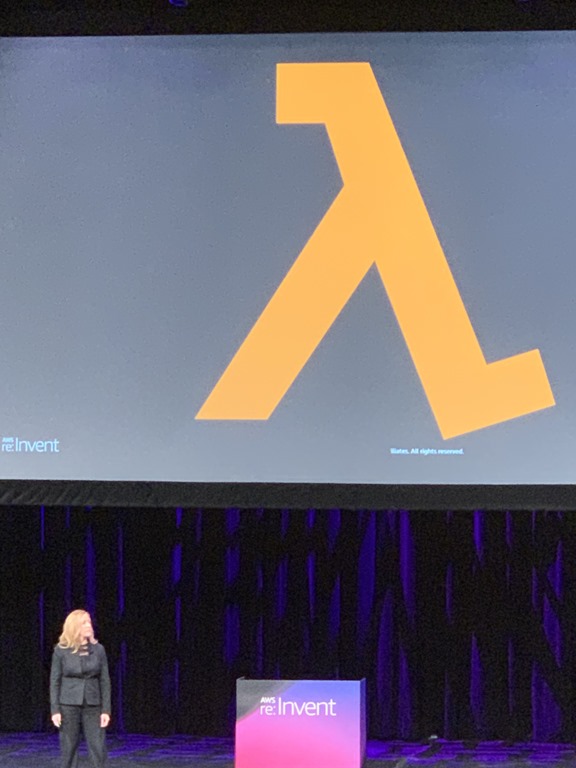
This looked like a super interesting session as AWS doesn’t often let you peek under the hood of how it runs its infrastructure. Of all the AWS services, Lambda is arguably the most interesting under the hood as the whole point of Lambda is you don’t have to worry about what’s underneath that hood and there’s a big engine!
Running Highly Available Large Scale systems is a lot of work.
needs load-balancing
scale up and down
handling failures
When you use Lambda as part of a serverless platform, you don’t need to provision, manage, and scale any servers although the servers are obviously there. As a developer you don’t need to concern yourself with any of the undifferentiated heavy lifting but there’s a very sophisticated architecture underneath to make that abstraction work.
Holly and Marc went through how AWS designed one of its fastest growing services. Lambda processes trillions of requests for customers across the world.
David Richardson, Deepak Singh & Ken Exner from AWS
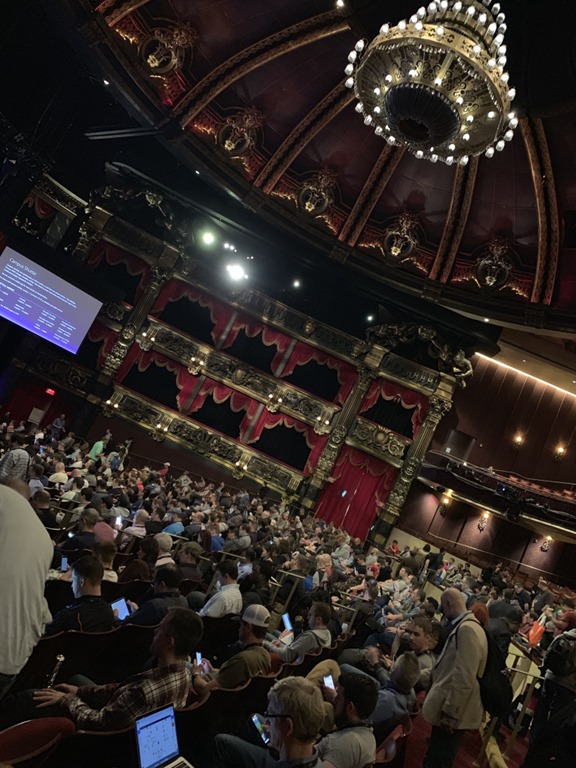
This was in the beautiful Venetian Theatre.
This was a leadership discussion which had interested me as I wanted to hear a different perspective. I’ve done a fair few deep dive technical sessions so wanted an executive higher level view particularly looking at how to “do” faster innovation. AWS has so many choices across serverless, containers, and developer tools, how and what do you pick?
David, Deepak and Ken went through their executive view of development best practices and how they see developers actually being able to consume all the AWS toys to run those all important business applications.
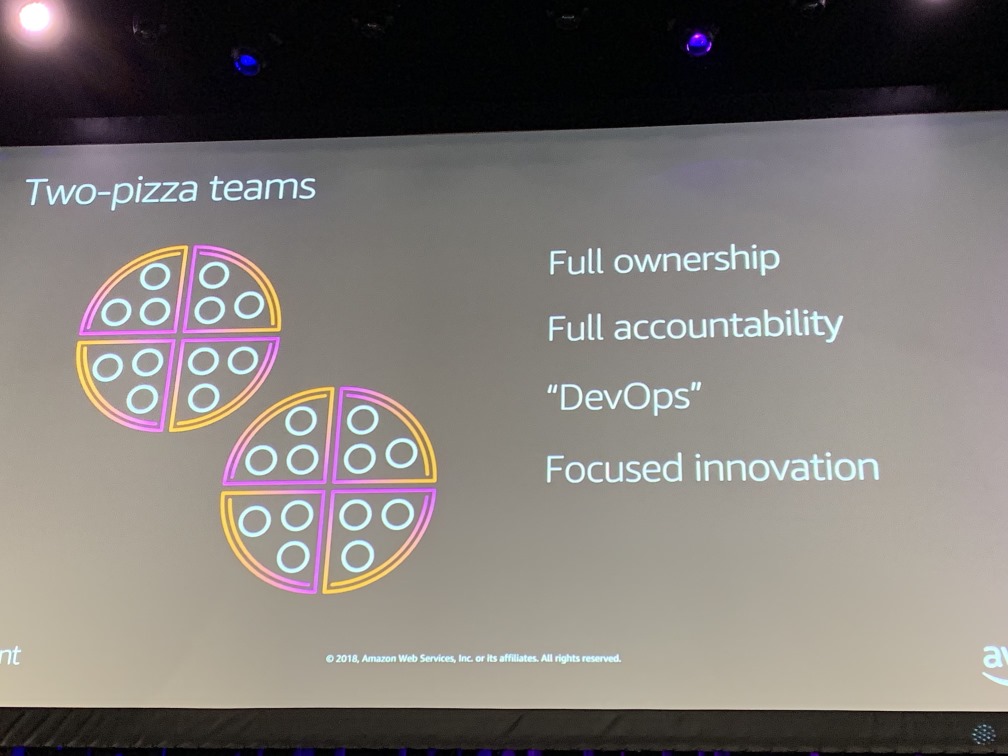
David realised early on when joining AWS how it was a different company which institutionalised innovation by being able to make lot and lots of experiments. Moving to microservices with 2 pizza teams meant it wasn’t just a technology change but a leadership and culture change giving teams autonomy with accountability.
Microservices approach particularly serverless is the modern way of only using business logic.
Into Day 3 of the conference which is when more of the announcements start rolling in!
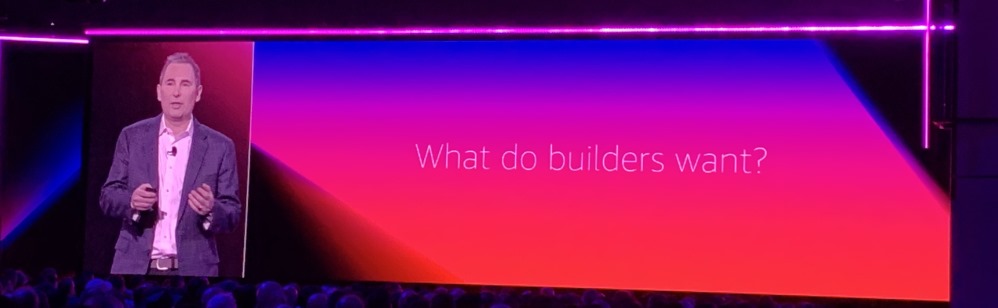
Andy Jassy Keynote
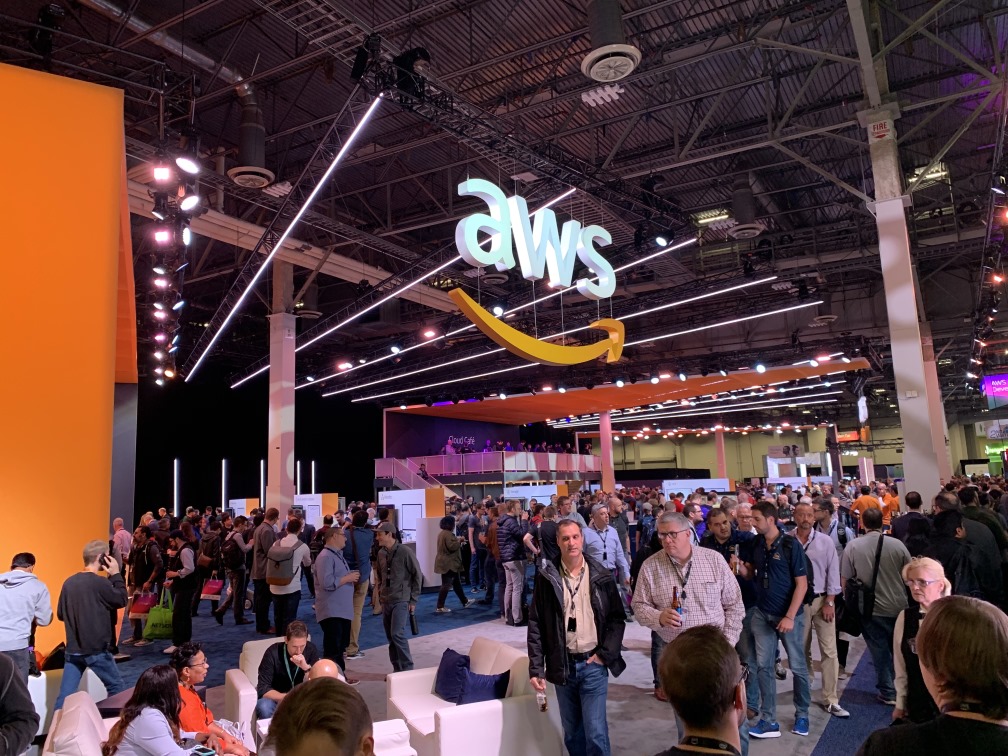
As I’ve settled into Vegas time zone, this felt like an early wake up to make it in time to the keynote as there was going to be a queue. It would be far more sensible to stay in a hotel or other venue and watch remotely but feeling the reactions in the room for the announcements seems more interesting.
The keynote was streamed to some big spaces in the other conference venues and a good change this year was also streaming it to many more of the breakout sessions rooms all across the venues so you had more chance of seeing the keynote without queuing like crazy.
AWS has made so many announcements in the build-up to re:Invent one wonders whether they’re trying to hit a particular release number to flash onto the big screen! A quick way to see the list of announcements is to look at AWS What’s New 2018:
CEO Andy Jassy as usual was master of disclosure.
I had no intention of live blogging the keynote, far too much information and others who are quicker typists!
There was a DELUGE of announcements, some recaps from the few weeks and many new…I needed to take stock a few times, pause and try to make sense of it all.
Some people say Werner is still delivering the long keynote from last year and we’re just coming in to see another instalment! Andy Jassy yesterday may be talking to the executives, today’s the turn of Werner to talk more technical and give us some of his considerable wisdom (you do know Werner isn’t just some “standard” tech CTO but one of the world’s recognised academic authorities on distributed systems now putting his brain into practical action at AWS).
Werner talks tech but also threads a about developing a new architecture for cloud use. Sure, you can just migrate your existing workloads to AWS but that’s going to cost you and generally keep your current complexity but now running somewhere else. Werner always advocates to truly take advantage of cloud you need a new architecture. His job is to sell you this vision so you take the time and effort to refactor your applications for the cloud to achieve a better business outcome and of course pay AWS rather than go somewhere else.
This keynote was billed as the Serverless Keynote Read more…
Well, we were super lucky. I was excited before as you can’t get more hackathon than a Robocar Rally which this was in the session list as. During the Andy Jassy keynote this morning, DeepRacer was announced which is a machine learning car.
I’m the first to admit I haven’t done much machine learning so this appealed to me as it was for developers with no prior ML or robotic experience.
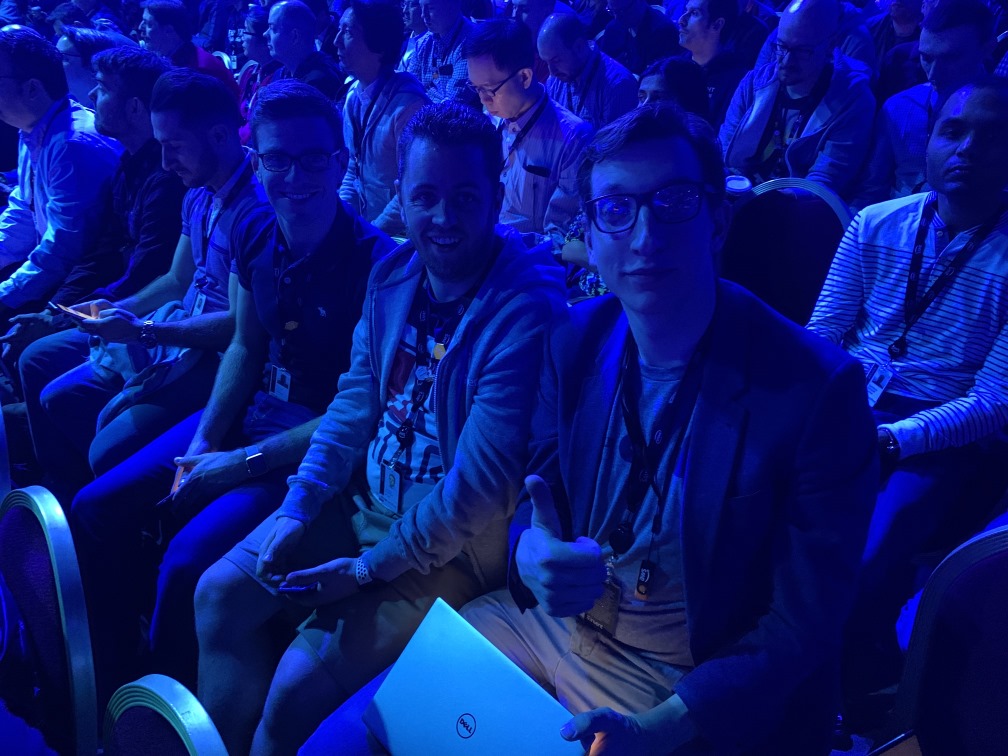
We joined up pit crews, I teamed up with fellow UK VMUGer and Virtual Design Master winner Chris Porter (I’m not ashamed to grab onto the knowledge coattails when needed!).
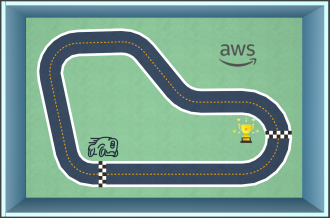
The idea was to use machine learning to train the car in a virtual racetrack built in RoboMaker to learn to stay on track. One the training model was done, the data could be downloaded to the actual car and then the car would attempt to race a real track using the learning model from the training data.
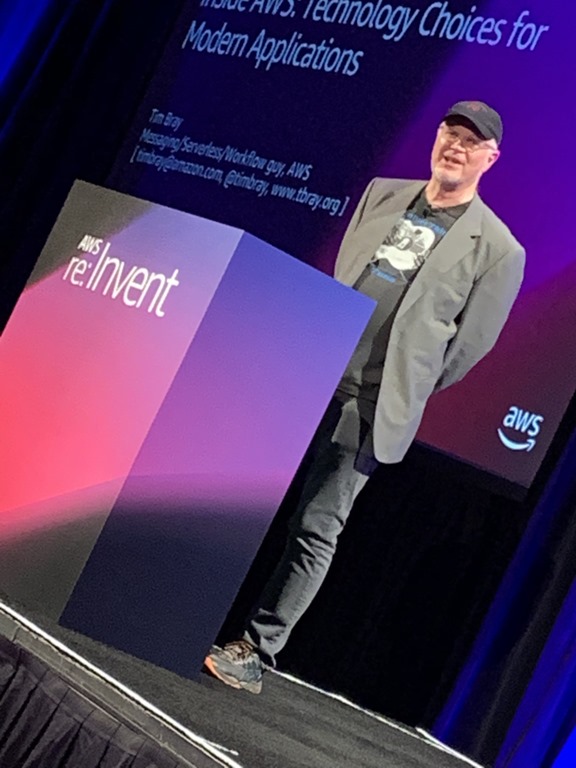
Tim Bray from AWS, very distinguished software engineer, developed XML and JSON!
AWS is happy to sell you some of everything. The AWS console is a vast list of choices, but how do you chose when there are multiple technologies to link together to achieve an outcome, never mind multiple options of the dame thing? Multiple databases, multiple streaming options, multiple instance types. Serverless or containers? Is Java over?
AWS has always maintained it doesn’t have an opinion on which services to chose. When it comes to building AWSs own services, their engineering groups DO have some strong opinions. Tim’s presentation was all about navigating the high-level choices available.
What is a modern application? This was a question which came out of the analyst relations group who wanted guidance on what services to use.




Recent Comments