VDI desktops in a XenDesktop environment need to be able to register with a controller or multiple controllers so they can be managed by the broker and allow connections by clients.
In XenDesktop 4 the default was having the controller information held in an Active Directory OU. During installation you specified an AD OU and the controller installation added the AD objects to the OU so the Citrix Virtual Desktop Agent (VDA) that is installed within the guest OS could find the correct delivery controllers.
This has changed in XenDesktop 5 where the controller information isn’t by default added to AD and the client VDA is configured with the DNS names of the controllers (best to have at least two for redundancy) in the following registry key:
HKEY_LOCAL_MACHINE\Software\Citrix\VirtualDesktopAgent\ListOfDDCs (REG_SZ)
In this example my controllers are lonxd01.lab.int and nycxd01.lab.int

I think storing the controller information in AD which was the default in XenDesktop 4 was a great way of doing things as it gave you one less client VDA configuration setting to manage. If the controller information is stored in the registry and you need to add or remove a controller you have to reconfigure every client which can be a lot of work. If the controller information is stored in AD you can amend the setting in AD and all clients will be able to find the new controller without any VDA configuration change.
Read more…
Citrix XenServer 5.6 Feature Pack 1 is the latest release of XenServer but it is not supported as a hypervisor with either XenDesktop 4 or XenDesktop 5.
Have a look at the Citrix eDocs for Host Requirements / Hosting Infrastructure.
XenDesktop 4
http://support.citrix.com/proddocs/index.jsp?topic=/xendesktop-bdx/cds-hosting-infrastructure-reqs-bdx.html
XenDesktop 5
http://support.citrix.com/proddocs/index.jsp?topic=/xendesktop-rho/cds-sys-reqs-host-rho.html
XenServer 5.6 Feature Pack 1 has been out since 15 December 2010 and the release notes specifically mention enhancements to Provisioning Services and XenDesktop (only coming in a future release)
Provisioning Services improvements to Windows volume license (MAK and KMS) support.
XenDesktop platform enhancements. Provides local host caching of VM images to reduce storage TCO for XenDesktop VDI deployments. (Note: these platform enhancements will be enabled by a future version of XenDesktop).
XenDesktop 5 was released on 3 December 2010. OK, that’s only 12 days before XenServer FP1 but surely Citrix would have made the enhancements to XenDesktop 5 to support XenServer 5.6 FP 1…obviously not.
I’ve heard from Citrix that XenServer 5.6 Service Pack 2 is due for release soonish and will be supported by both XenDesktop 4 and 5. This does contradict somewhat with the release notes which state support will be in a newer version of XenDesktop rather than a newer version of XenServer.
If you are running XenDesktop 4 or 5 with XenServer 5.6 as the hypervisor, don’t upgrade to Feature Release 1, rather wait for Service Pack 2.
Going virtual is all about sharing resources. You are no longer constrained by one server or workstation running on one physical piece of hardware. The benefit is less physical kit to look after and better utilisation of resources but the detriment is when you share, you need to share nicely. In a shared environment one VM can be greedy and take more than its fair share and your other VMs suffer.
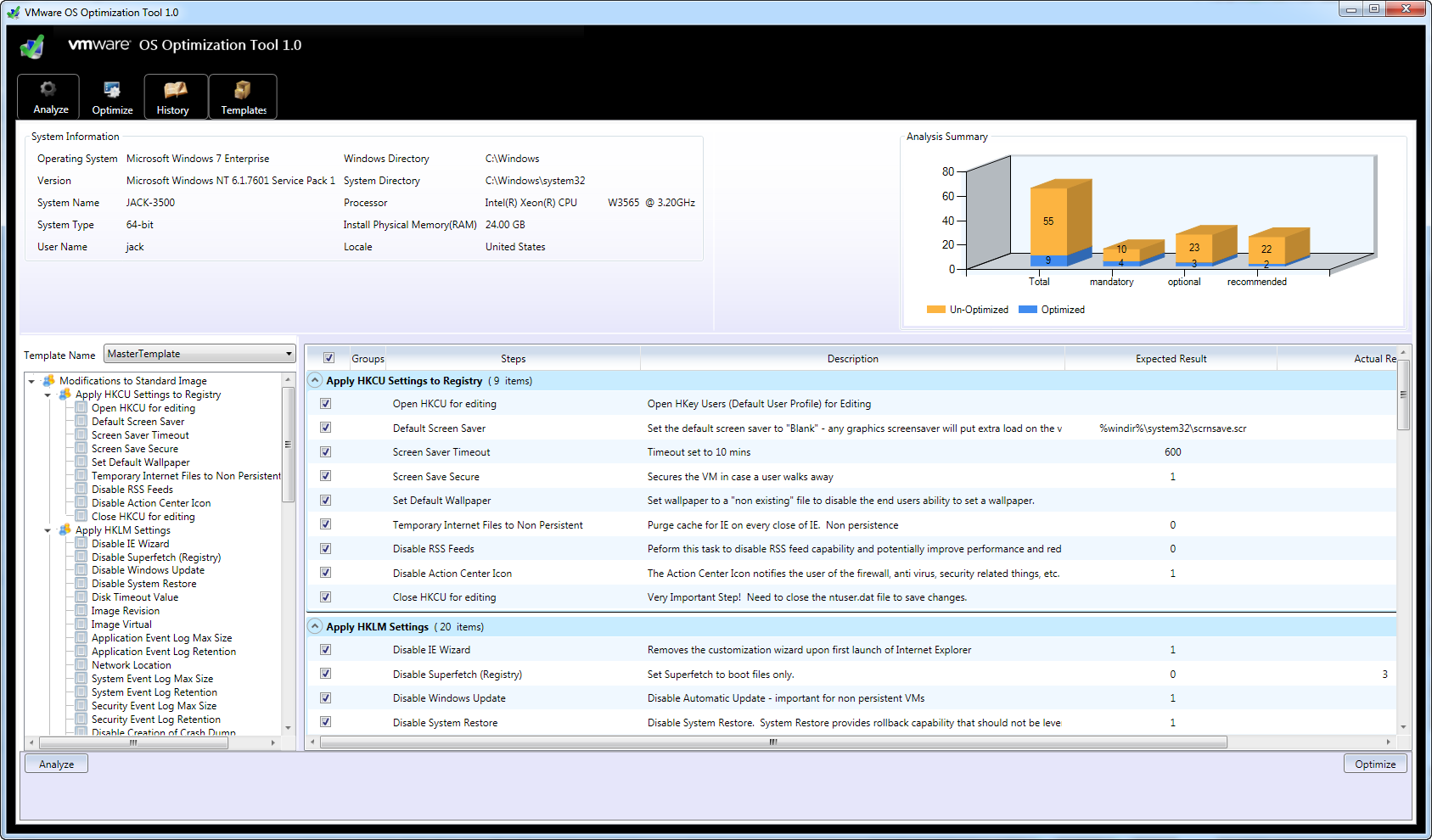
It’s not just sharing nicely that you need to consider but also building your VMs so they need less so there’s more to go around.
VDI is all about maximising the use of your physical hardware. To be cost effective (if you can with VDI!), you want to run as many workstations on a physical host as you can without sacrificing individual VM performance.
So, if your VMs are greedy with what they need you are going to be paying more for hardware. Wasting resources on physical workstations may not cost that much more but move your workstation into your datacenter and then see how much money you will be wasting.
Read more…
Recent Comments